FrameFlow
Video reference inside the Maya viewport, locked to your timeline.
Animating against reference usually means a second player in another window and a lot of switching. Matching frames by eye between two applications breaks concentration.
The timeline drives the reference.
Every Maya frame maps to one exact source frame, including 23.976 footage in a 24 fps scene. Scrub, play or step, and the reference shows that frame. References never take a mouse click outside Edit Mode, so the rig underneath stays selectable.
Retime without touching the file.
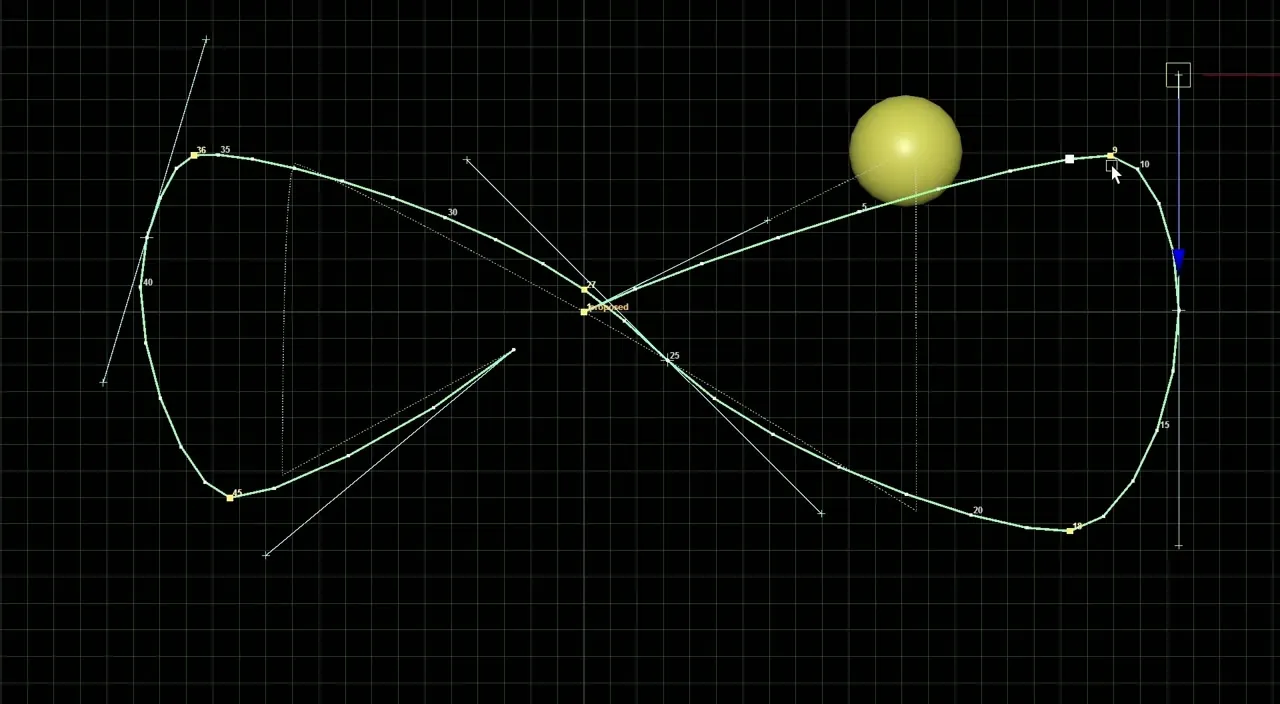
Set speed and in/out points, or turn on Reference Time Warp: an editable curve from Maya frame to source frame. Slow a section, hold a frame or reverse it. Your scene's frame rate and the video file stay unchanged.
How it works.
Import
Drag a video onto the FrameFlow window or a viewport. A preview shows its resolution, rate and frame count.
Place and shape
Press E for Edit Mode. Move, scale and rotate it, give it a circle or any outline, and zoom into the footage.
Animate
Press E again. Scrub the timeline and the reference follows; it is saved with the scene.
Also in the box.
Common formats
MP4, MOV, MKV, AVI, WebM and more through FFmpeg; PNG, JPG, TIFF and other stills work without it.
Several references
Show multiple references, or several views of one video sharing a single decoder.
Colour and crop
Adjust opacity, exposure and colour, and zoom into a region without moving the reference or camera.
Maya's own undo
Every edit is one Maya undo step and is saved in the scene.
Details.
- Maya versions
- Autodesk Maya 2022–2027 (separate packages for 2022–2024 and 2025–2027)
- Tested
- Maya 2027 on Windows: the in-Maya procedure passed 39 of 41 checks; the two failures have been fixed but not re-run yet. Maya 2022–2026 use the same code but haven't been run in Maya.
- Operating system
- Windows (tested)
- Current version
- 0.9.1
- Dependencies
- FFmpeg for videos (and EXR, HDR, PSD). Install it yourself from ffmpeg.org, then set its folder in Settings. FrameFlow never downloads anything.
- numpy, which ships with recent Maya versions.
- Installation
- Unzip the package for your Maya version somewhere permanent.
- Drag install_frameflow.py into a Maya viewport and choose a shelf.
- For video, install FFmpeg and point FrameFlow to it in Settings.
- Known limitations
- Maya's OCIO view transform isn't applied to references.
- Compositing runs on the CPU. Large references are drawn at reduced quality during playback; full quality returns when you stop.
- Far jumps in long, highly compressed videos take a fraction of a second. Build a proxy for instant scrubbing.
- Licence
- One-time purchase. Freelancer and studio-seat licences are listed on Gumroad. See the options
- Support
- levent.animtools@gmail.com
Get FrameFlow.
Bring video reference into the viewport and scrub it frame by frame with your animation.