Levent Ulas Character Animator & Animation Tool Creator
Character in every frame.
I animate characters for cinematics and build practical Maya tools for the work behind it.
Animation Demo Reel. Plays from Vimeo when you press play.
Built from the work.
AnimTools started as fixes for problems I kept running into while animating: arcs that are hard to edit through curves, reference in another window, breathing nobody has time to key.
Shown: the Advanced Bézier Arc Editor reshaping a figure-eight arc in Maya, taken from the tool’s demo recording.
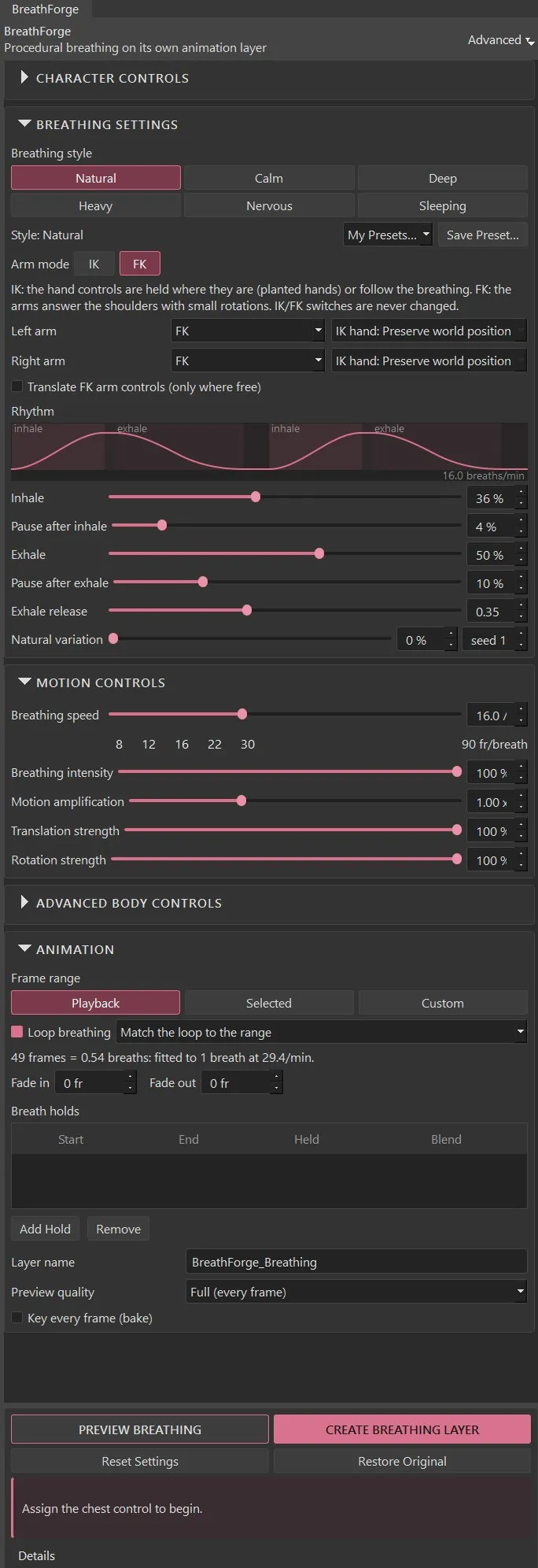
BreathForge
Procedural breathing for Maya characters, on its own animation layer.
- Your animation stays untouched. Breathing is written to a separate additive animation layer. Mute it, change its weight, edit its curves or delete it.
- Six breathing styles. Natural, Calm, Deep, Heavy, Nervous and Sleeping, each adjustable for speed, intensity and timing.
- The chest leads, the body follows. Shoulders, neck, head, arms and pelvis respond a little later and smaller than the chest. The head keeps its gaze.
More from AnimTools.
Small tools for specific jobs in Maya. Each one is available on Gumroad.

Advanced Bézier Arc Editor
Reshape a control's motion arc directly in the viewport with Bézier handles.
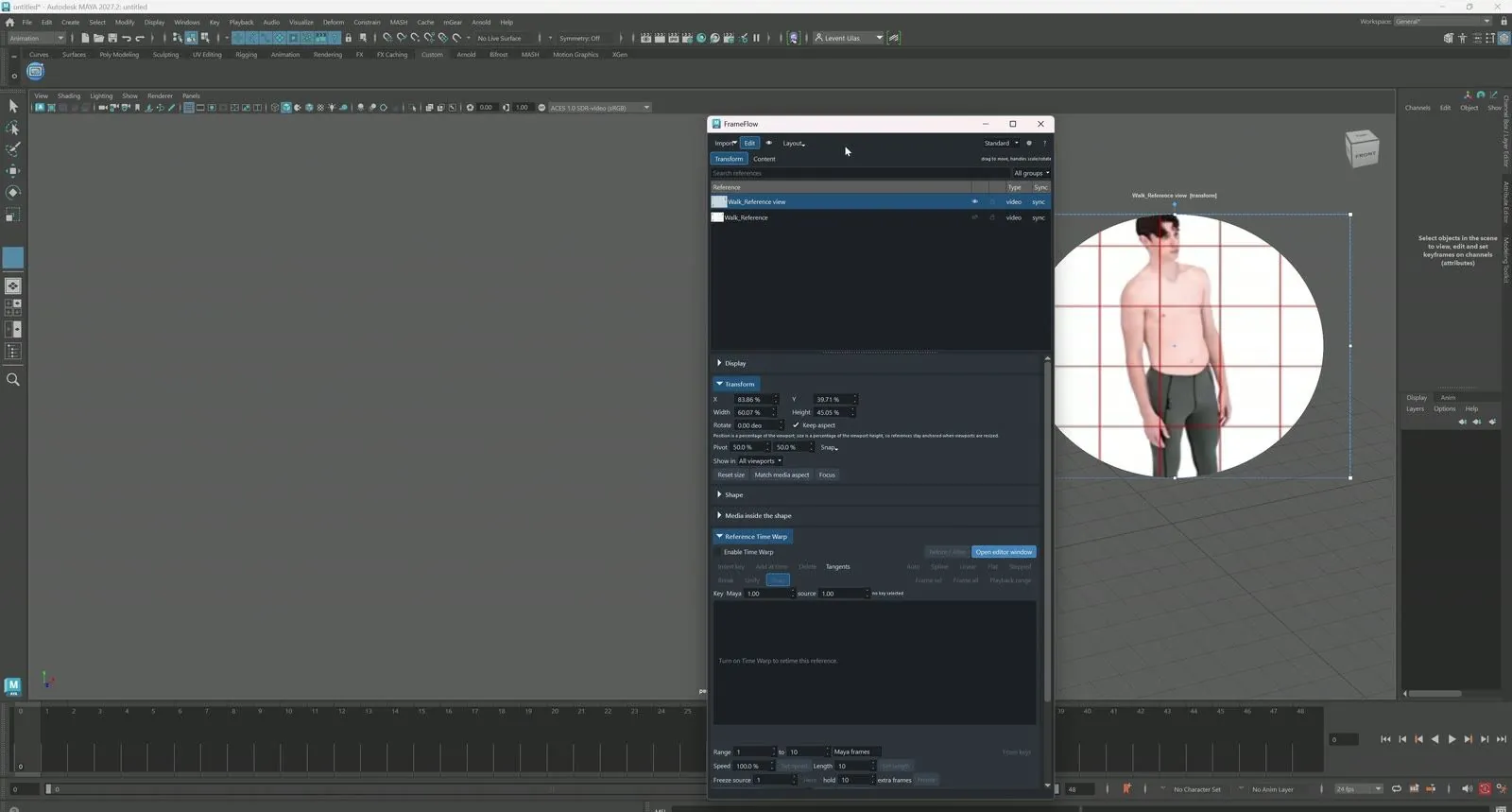
FrameFlow
Bring video reference into the viewport and scrub it frame by frame with your animation.

HandForge
Apply, blend and mirror hand poses across compatible five-finger rigs.
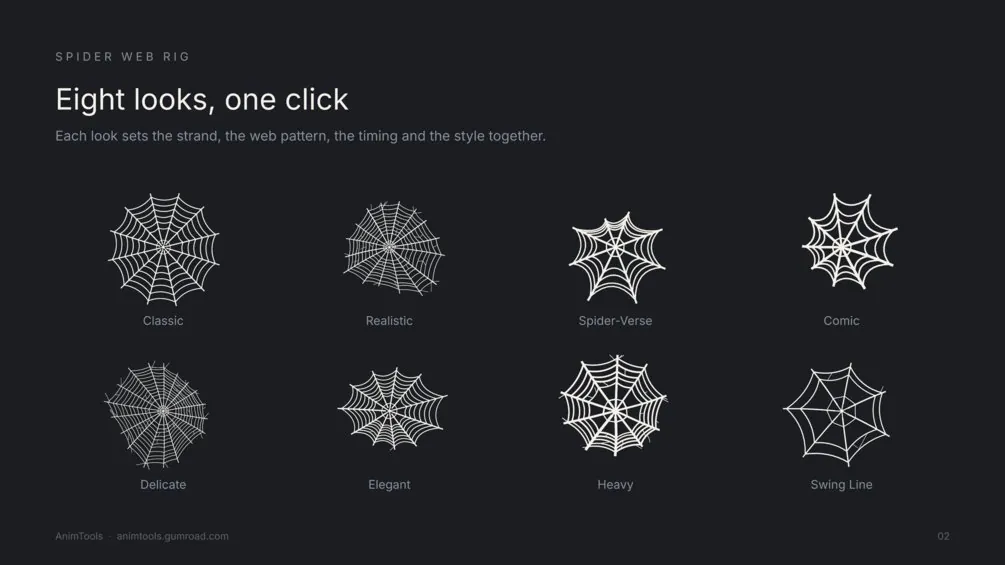
Spider Web Rig
Create, customise and animate spider webs. Free to download.
An animator first.
I work on character and cinematic animation in Autodesk Maya: keyframe performance, motion-capture refinement, weight, timing and the small things that make a character feel alive.