BreathForge
Procedural breathing for Maya characters, on its own animation layer.
Breathing is one of the last things a shot gets and one of the first things you miss when it isn't there. Keying it by hand across the chest, shoulders, neck and head takes time, and it has to sit on top of animation that is already approved.
Six styles that actually look different.
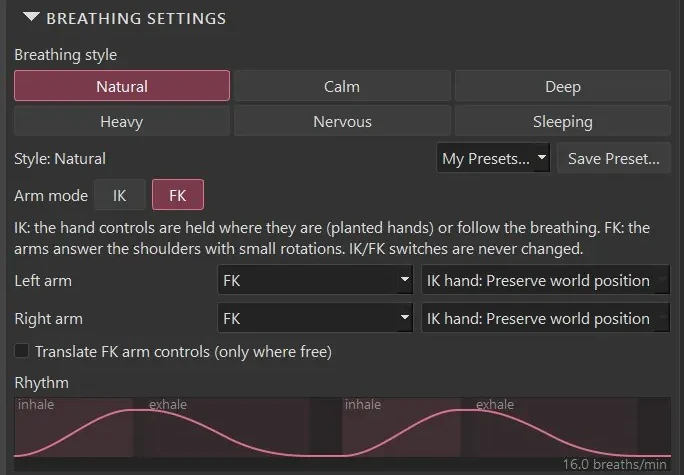
Calm, Natural, Deep, Heavy, Nervous and Sleeping each have their own depth and rhythm. Below is how far the chest rises with each one, measured in Maya's evaluated scene on the 60 cm test character at 100% intensity.
- Calm
- 0.48 cm
- Natural
- 0.89 cm
- Deep
- 1.79 cm
- Heavy
- 2.2 cm
Your animation stays untouched.
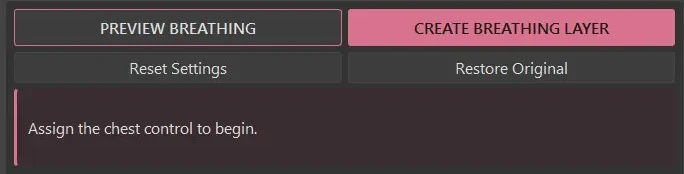
Breathing goes on a separate additive animation layer. Preview it first, then create the layer. Mute it, change its weight, edit its curves or delete it. Restore Original removes it again. After every create, BreathForge checks that the original animation is unchanged.
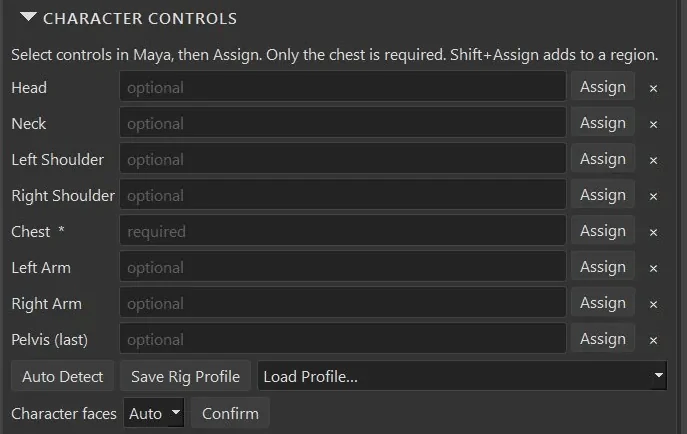
Assign what your rig has.
Only the chest control is required. Shoulders, neck, head, arms and pelvis are optional and respond a little later and smaller than the chest; the head keeps its gaze. Auto Detect suggests controls but never assigns them without your confirmation.
How it works.
Assign
Select the chest control and press Assign. Add the other regions if you want them.
Style and timing
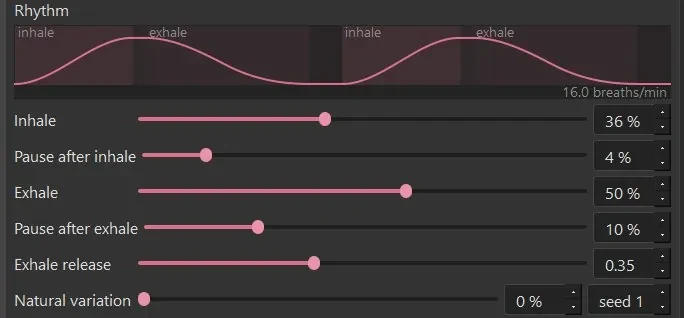
Pick a style, then adjust speed, intensity, amplification and inhale/exhale timing.
Preview, then create
Preview in the viewport. Create writes the breathing layer in one undo step and verifies it.
Also in the box.
IK and FK arms
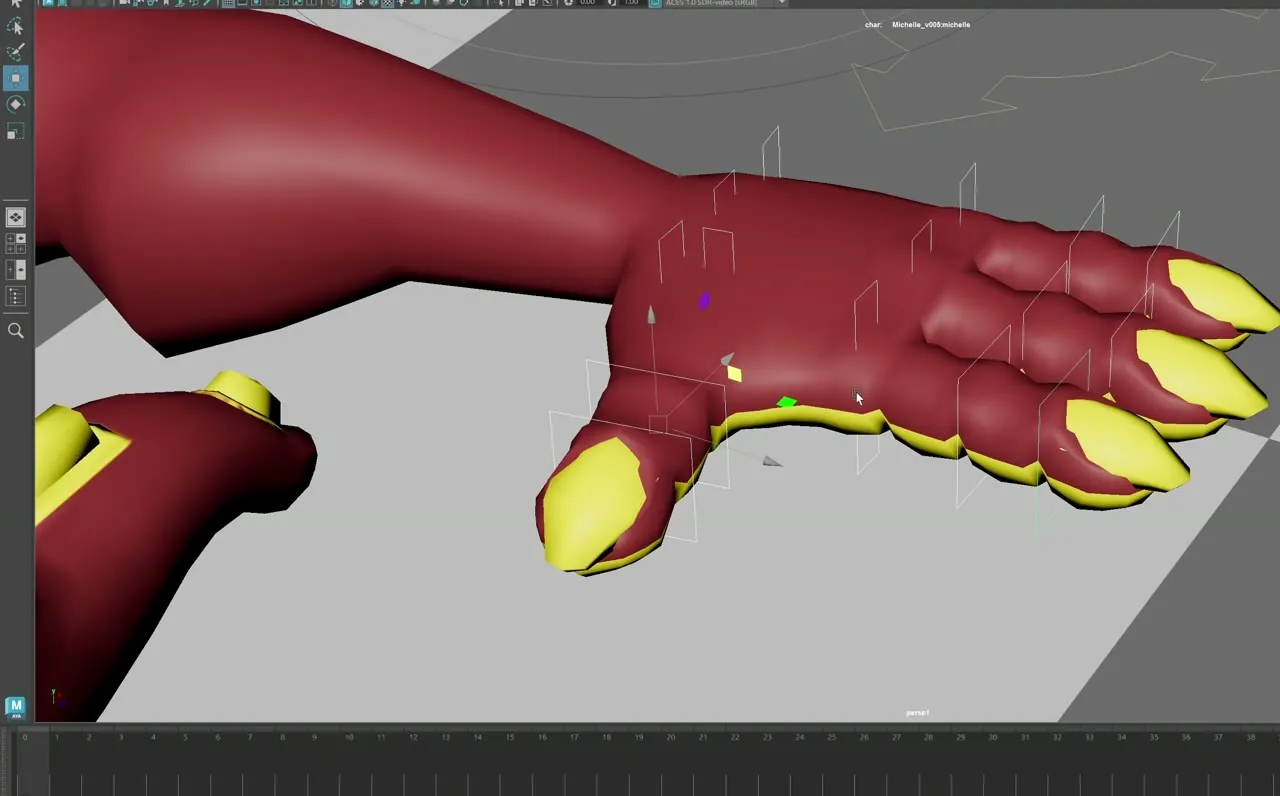
FK arms hang from the rising shoulders. IK hands can stay planted, follow the breath, or be left alone.
Loops, fades and holds
Loop breathing across your frame range, fade it in and out, and add breath holds.
Clean curves
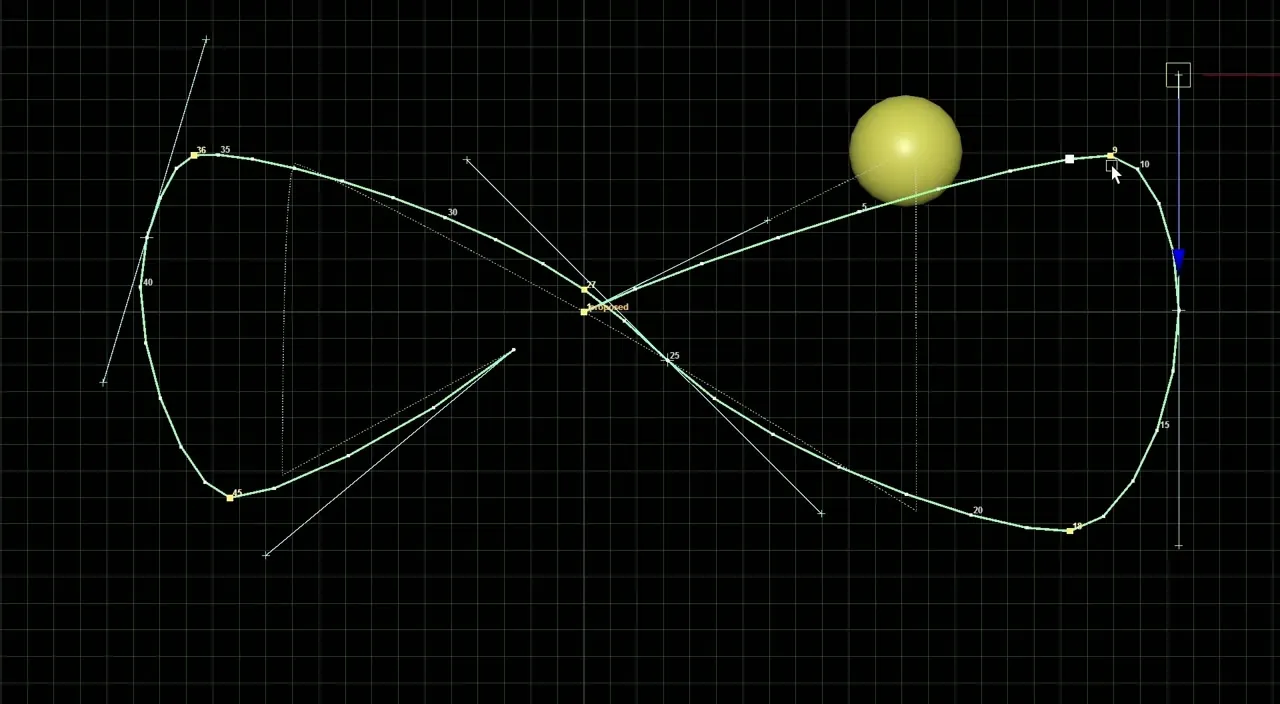
A few keys per breath with exact tangents, so the layer reads like hand-keyed breathing in the Graph Editor.
Scales with the character
Motion is measured from the character's torso, so it works the same on large and small rigs, standing or lying down.
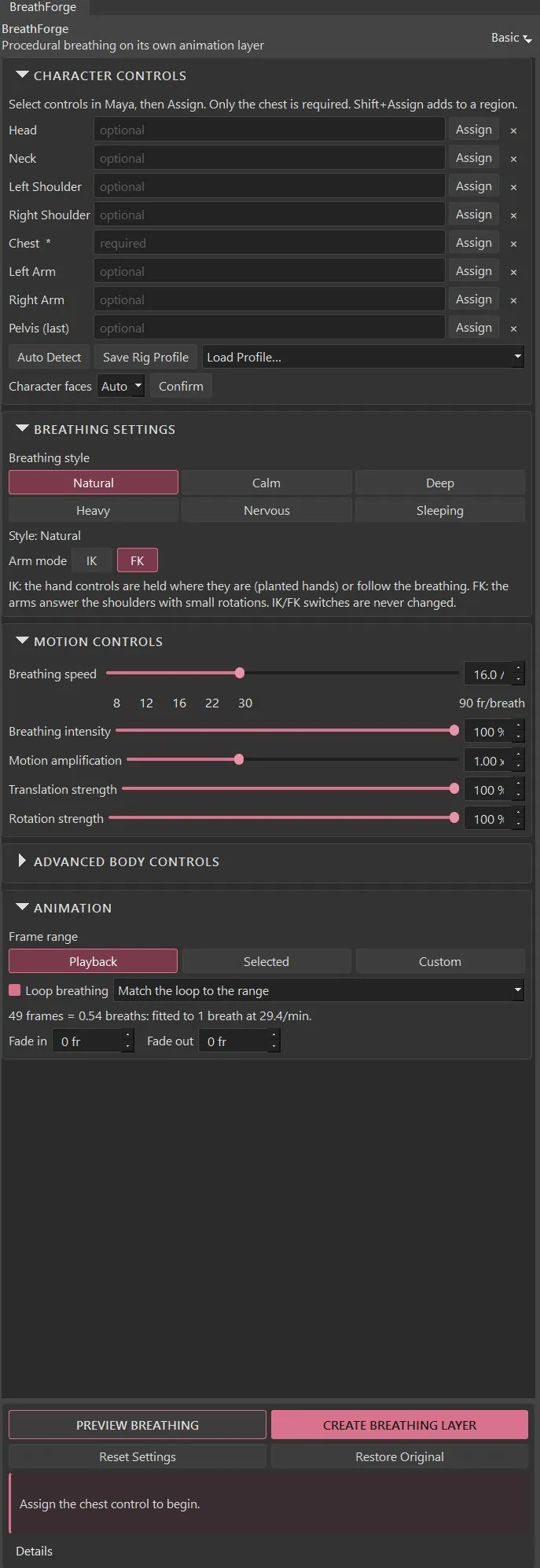
View the full interface
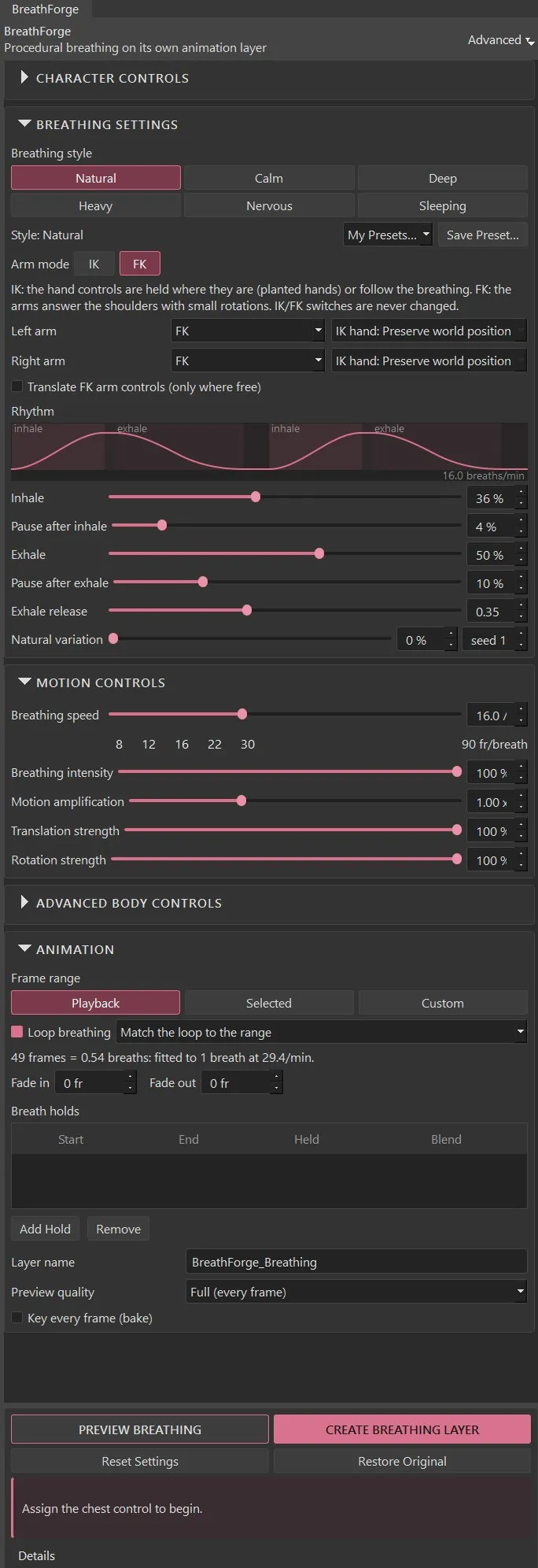
Details.
- Maya versions
- Autodesk Maya 2022–2027 (separate packages for 2022–2024 and 2025–2027)
- Tested
- Maya 2027 on Windows: the full in-Maya test procedure passed (Oct 2026). Maya 2022–2026 have not been run in Maya yet.
- Operating system
- Windows (tested)
- Current version
- 1.1.0
- Dependencies
- None. Pure Python with Maya's own API and Qt.
- Installation
- Unzip the package for your Maya version somewhere permanent.
- Drag install_breathforge.py into a Maya viewport.
- Choose a shelf for the button. BreathForge opens when installation finishes.
- Known limitations
- Chest expansion moves the chest control; it isn't rib-cage volume. That needs dedicated controls or deformers on the rig.
- If the pole vector sits under the chest, an elbow can still move slightly while the IK wrist stays on target.
- Very heavy rigs preview more slowly. Use the Fast preview quality.
- The rhythm graph is display-only; adjust the rhythm with its sliders.
- What’s new
1.1.0
- Stronger, clearly different styles (measured).
- Translation as well as rotation on every body region.
- Motion amplification 0–3× with separate translate and rotate strength.
- New IK option: hands follow the breathing.
- Motion Analysis reports the measured chest motion after every preview.
- Licence
- One-time purchase. Freelancer and studio-seat licences are listed on Gumroad. See the options
- Support
- levent.animtools@gmail.com
Get BreathForge.
Add believable breathing to an animated character without touching the original keys.